 Anvil Tools
Safe Test Data for Browser Tool Testing
Safe to use for testing; contains no personal data. Every file was created or generated for Anvil Tools and has a stated expected result.
Fixture manifest and downloads
Use the download link in each fixture name or download the machine-readable manifest. SHA-256 hashes identify exact bytes; they do not certify that a file is safe for an unrelated workflow.
| Fixture / download | Tool | Expected result | Bytes | SHA-256 |
|---|---|---|---|---|
| Sample JSON fixture | JSON Formatter | Valid JSON is formatted; the duplicate role key resolves to its final value and Unicode remains readable. | 321 | 5d07a776f81a5d1591b14cfadbe969b3870b110ddd54dd6ce11a435063dda14a |
| Sample CSV fixture | CSV to JSON | Quoted commas, escaped quotes, embedded newlines, and Unicode are parsed into the expected rows. | 413 | 11e24064d56c7ede63b29cebfef4db43d0a0d493ca99e6ab5cfe33fcf2f9061c |
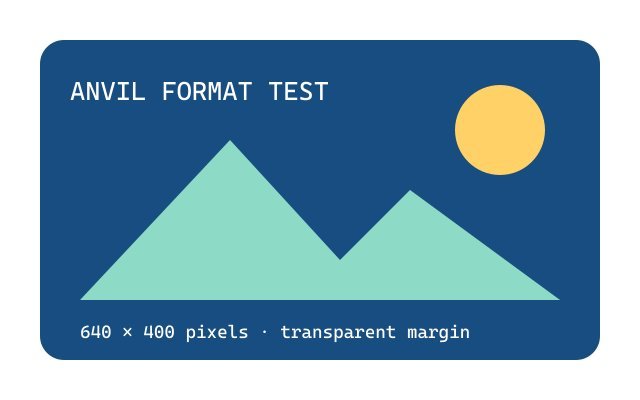
| Sample transparent PNG fixture | Background Remover / Image to PDF | The PNG retains its alpha channel; PDF conversion preserves the transparent image mask. | 186,262 | 884a8d095771913c018b6feee5a7ff7765e0246263f467469dcb47733f2fd4f7 |
| Sample PDF fixture | PDF Merge | The one-page cover remains first when combined with the application and support fixtures. | 867 | a29a16bda558024c655983d3e5c4b882c8d1f1aa8b20c4d482f328819d3bc6a8 |
| Sample QR payload fixture | QR Code Generator | Each line can be generated separately; the decoded result should exactly match the chosen line. | 391 | 52c3679e94069fd3fbb330cdc0dbba48df0f59212e1cb00292c28b689f92850b |
| Sample text-diff fixture | Text Difference Checker | Comparing the VERSION A and VERSION B blocks exposes the status, notes, and approval line changes. | 257 | 9f3c64662b2c2ee7eb8cf8475766d648fe33d291f21bf13b537f19194cccafb6 |
| Sample Unicode and emoji fixture | Word Counter / Text Case Converter | Counts follow the documented whitespace and UTF-16 rules; visually similar Unicode can have different code-unit counts. | 305 | 999f443fbebe66fdb77a906effcf792ecb48c7dd75f0a358930bde4d4f391cd1 |
| Synthetic HTML email link source | URL Encoder / Temporary Email | Encoded plus, slash, and Unicode query values decode without using a live recipient or token. | 393 | 40a9a6dcbba6f40630a23bd9b5ad57f920000da80c1d620c4dcb77420edc9fff |
| JPEG comparison image | Image to PDF | The generated PDF contains one image page with the recorded dimensions. | 16,987 | 975d9c0282d66138421d6bccb8877f9518327f9d29c733615656e34f9334577a |
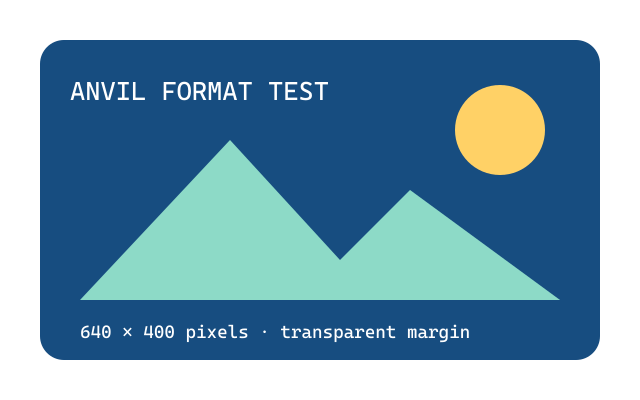
| PNG comparison image | Image to PDF | The generated PDF contains one image page and retains the source alpha mask. | 18,067 | 8f704228d8ffa8adfc334650cd898bb9b77359b138feec8ef445fe49731ead7d |
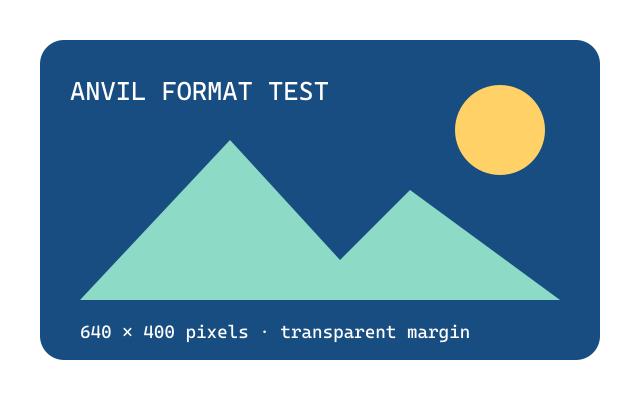
| WebP comparison image | Image to PDF | The generated PDF contains one image page and retains the source alpha mask. | 8,250 | 1d92e33ab54533020568b9cb316d5370cde9bbfcdf64db372ac84c9b0bf51482 |
| Two-page application PDF | PDF Merge | Both application pages remain adjacent and in source order. | 1,111 | 11d3c92a9f8b9ba37c3fa49b40c92e097eab44beda5fe6cf8c2ca205647dbe40 |
| One-page support PDF | PDF Merge | The support page remains last in the recorded merge order. | 869 | b4cb150a591eee905f7eabe0de9f34885a938833cc25cbbd617248b0d94736d5 |
| Recorded four-page merged PDF | PDF Merge | The output has four pages in cover, application page 1, application page 2, support order. | 1,563 | aad13c88a8db2d33df99ce03b33c7fd3bf83482755e972d8950dca3c64646d63 |
| Recorded QR PNG | QR Code Generator | An independent scanner decodes the controlled destination recorded in the Lab report. | 2,611 | 381760fd2649661a0a0d2870867118ef53182cb8001620b5ff9cd3b856ee728b |


How to use the library
- Download the fixture without changing it.
- Confirm its SHA-256 hash when exact-byte reproduction matters.
- Run it through the named tool and compare the observed output with the expected result.
- Record the browser, date, and any difference instead of replacing the fixture with production data.
Handling rules
- Keep fixtures separate from production records.
- Never replace sample tokens with live credentials.
- Review downloaded PDFs and images before forwarding them.
- Use only systems you own or are authorized to test.